2026 Best POS Terminal for Global Business Buyers?
Choosing the best pos terminal for global business is not a simple brand comparison. Buyers need to examine payments, hardware, software, service, and regional readiness together.
A busy café in Singapore may need fast NFC payments, QR acceptance, and stable Wi-Fi. A mobile retailer in Germany may prioritize a long battery, 4G backup, and digital receipts. These details reveal practical differences that product pages often hide. A reliable terminal should support major card networks, contactless transactions, secure PIN entry, and clear transaction records. It should also connect smoothly with inventory, accounting, and customer management systems.
Security deserves close attention. Buyers should verify PCI DSS alignment, encrypted payment processing, user access controls, and regular software updates. Local tax rules, data protection requirements, settlement currencies, and acquiring-bank support can vary widely. A terminal that performs well in one market may create costly limitations in another. Vendor support hours matter, too. A payment failure at 10 p.m. should not wait until Monday morning.
No shortlist is perfect. Hardware specifications can look impressive, yet onboarding may be slow or support may feel limited. Pricing can also become unclear after adding SIM fees, transaction charges, accessories, and integration costs. This guide evaluates leading POS terminals through a global buyer’s practical lens. It considers reliability, usability, security, connectivity, scalability, and total ownership cost. The final choice should match the business model, not merely the most attractive feature list. Yet even this approach needs review, because payment technology and regional requirements continue to change.
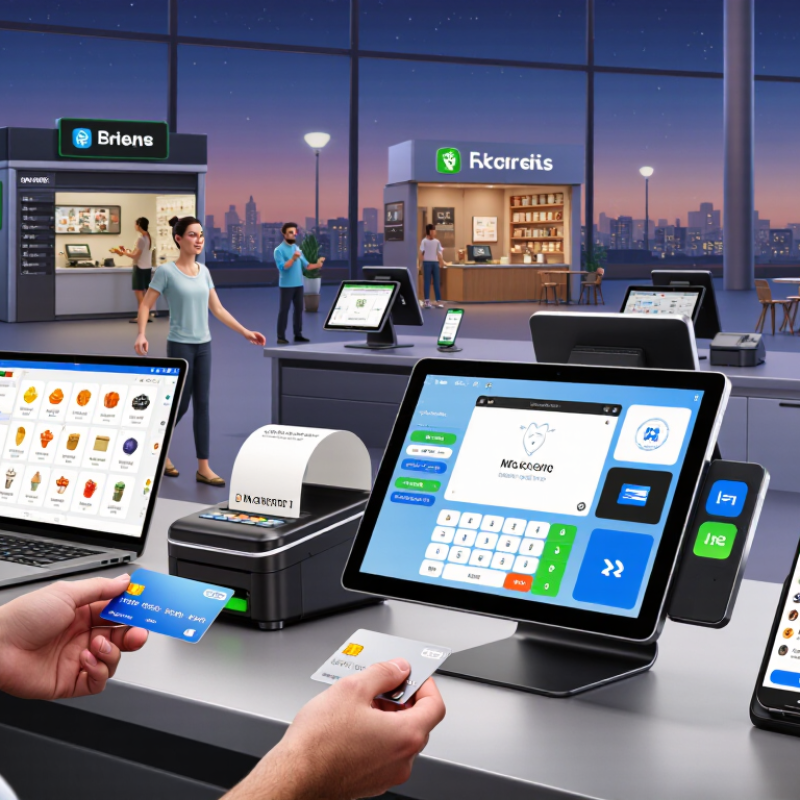
What Is a POS Terminal and Why Does It Matter for Global Businesses?
A POS terminal is the physical and digital point where a sale becomes payment, inventory data, and a customer record. It may accept cards, mobile wallets, contactless payments, and local payment methods. For global businesses, this small device connects store operations with currency conversion, tax calculation, refunds, and reporting.
The Worldpay Global Payments Report 2024 found that digital wallets represented about 30% of global in-person payment value in 2023. That figure changes the buying question. A suitable terminal must process more than magnetic cards. It should support contactless transactions, unstable network conditions, multilingual screens, and secure remote updates. PCI Security Standards Council guidance also makes payment-data protection a purchasing requirement, not an optional feature.
Speed matters at a busy counter. So does recovery. If the connection fails during a 9:00 a.m. rush, staff need clear prompts and safe transaction recovery. Buyers should test settlement timing, exchange-rate visibility, hardware durability, and integration with accounting systems. A lower purchase price can hide support fees, replacement delays, or difficult country expansion. This is where many evaluations become imperfect. Specifications look impressive, yet real performance depends on software, connectivity, staff training, and local payment acceptance. Independent testing remains necessary.
2026 Best POS Terminal for Global Business Buyers?
Why payment-method flexibility matters for international businesses
Digital wallets represented approximately 30% of global point-of-sale transaction value in 2023 and are projected to reach about 46% by 2027. For global business buyers, a suitable POS terminal should support contactless cards, mobile wallets, multiple payment networks, reliable connectivity, and local payment requirements across different markets.
Source: Global payment-method industry research, 2024 edition. 2027 figures are forecasts.
Key Features to Evaluate in a 2026 POS Terminal
A global POS terminal should handle cards, mobile wallets, QR payments, and local payment methods. Worldpay’s 2024 Global Payments Report found that digital wallets represented about 30% of global in-store transaction value in 2023. That figure makes payment flexibility essential, not decorative. Test contactless speed during busy periods, when queues expose weak hardware quickly.
Security requires more than a payment logo. Look for point-to-point encryption, tokenization, secure boot, remote updates, and role-based access. PCI Security Standards Council guidance emphasizes protecting account data throughout its lifecycle. Ask how keys are managed and how failed updates are reversed. The answer should be specific. Vague promises are a warning.
Connectivity deserves equal attention. A terminal should support Wi-Fi, cellular backup, and controlled offline processing, with clear limits and reconciliation records. Confirm compatibility with inventory, accounting, tax, and customer-display systems before purchase.
Worldpay also reported that digital wallets reached roughly half of global e-commerce transaction value in 2023, so online and in-store data should connect cleanly. Check multilingual screens, currency handling, receipt options, battery life, repair time, and total ownership cost. A small pilot is wiser than a large rollout. Still, pilots can miss seasonal traffic, weak signals, or unfamiliar staff behavior. That limitation should remain in the buying assessment.
Payment Methods, Security, and Global Compliance Requirements
For global business buyers in 2026, a POS terminal is more than a checkout screen.
It should handle cards, mobile wallets, bank transfers, QR payments, and local debit schemes. Currency conversion must show fees and exchange rates before approval. In field evaluations, staff trust systems that show readable receipts and recover after weak network signals. Offline mode can protect sales continuity, but it needs strict limits and later authorization. Convenience without control creates avoidable exposure.
Security starts with encrypted payment data, tokenization, secure boot, and regular firmware updates. A reliable terminal should support role-based access, tamper detection, remote lockout, and detailed audit logs. Never leave administrator passwords unchanged. Physical placement matters too. A busy counter can expose screens, cables, and customer details. Operators should test incident procedures, not merely store them in a policy folder. No test, no confidence. Strong claims still require independent assessments and clear responsibility clauses.
Global compliance is layered. Businesses may need payment-card controls, privacy safeguards, consumer protections, tax records, and country-specific data-transfer measures. Local certification may also apply to wireless or contactless functions. Ask where transaction data is processed, how long it is retained, and who can access it. Contracts should clarify breach notifications, subcontractors, support locations, and audit rights. Requirements change, and an approved terminal may need review next year. A compliance checklist helps, but it is imperfect across markets with conflicting expectations.
How to Choose the Best POS Terminal for International Operations
Choosing a POS terminal for international operations starts with the checkout environment, not the product brochure. A busy airport kiosk needs fast contactless acceptance, clear screen visibility, and reliable wireless switching. A small hotel may need tips, deposits, refunds, and printed receipts. Test the terminal with real transaction flows. Use local currencies, tax settings, languages, and payment preferences during trials. Experience matters here. A device that feels simple in one market can confuse staff elsewhere. Keep that discomfort visible.
Review connectivity carefully. The terminal should support stable Wi-Fi, cellular fallback, and clear offline procedures where permitted. Confirm how transactions synchronize after an outage. Ask where payment data is processed and how encryption is maintained. Check applicable security certifications and independent testing evidence. Review integration with inventory, accounting, and customer-display systems. International support also requires clear service hours, replacement procedures, and multilingual documentation. Do not trust vague uptime claims. Request service records and references from similar operators.
Tips: Create a country-by-country checklist before purchasing. Record currencies, receipt languages, payment methods, settlement timing, connectivity, and support contacts. Run a two-week pilot across different shifts. Measure approval rates, transaction speed, battery life, and staff errors. Include one stressful test: a network interruption during a busy period. Review the results with finance, operations, and security teams. The cheapest terminal may create hidden labor costs. The fastest one may lack essential integrations. That trade-off deserves another look.
